whaletop
A terminal user interface for Docker in the style of htop. whaletop provides the container,
Compose, image, volume and network management of Docker Desktop in a keyboard-driven console
application that runs locally, over SSH and on headless servers.
Features
-
Live resource usage
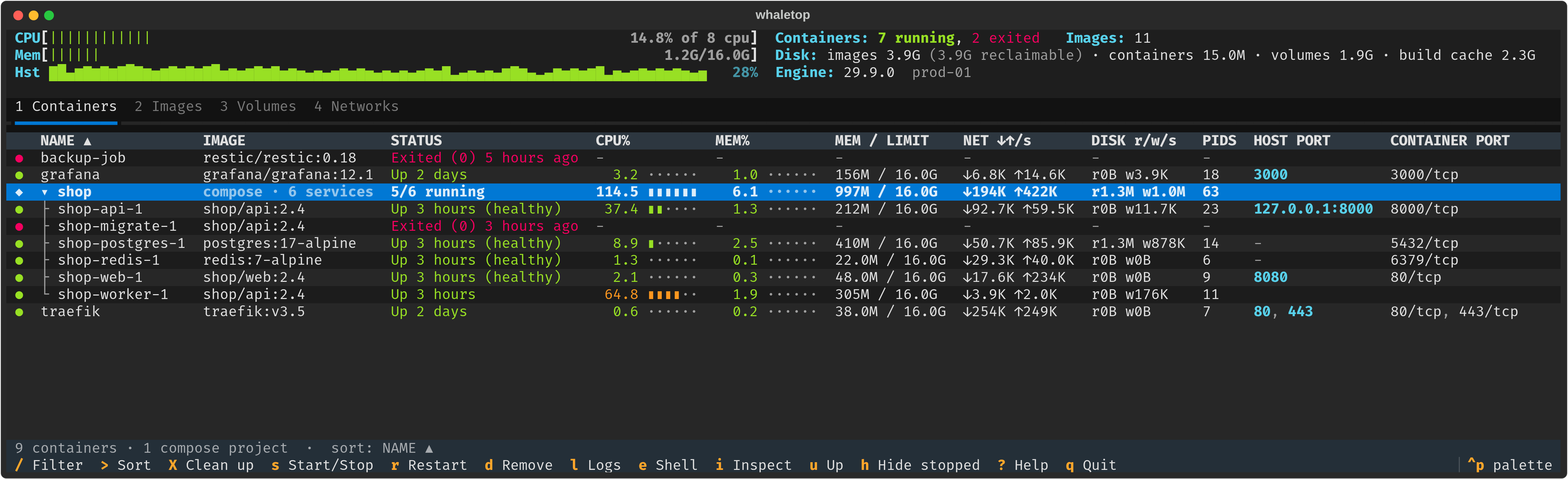
CPU, memory, network and block I/O per container, aggregated per Compose project, with host-level meters and CPU history.
-
Compose-aware
Containers are grouped by Compose project. Start, stop, restart, pull,
upanddownapply to a whole stack or to a single service. -
Container operations
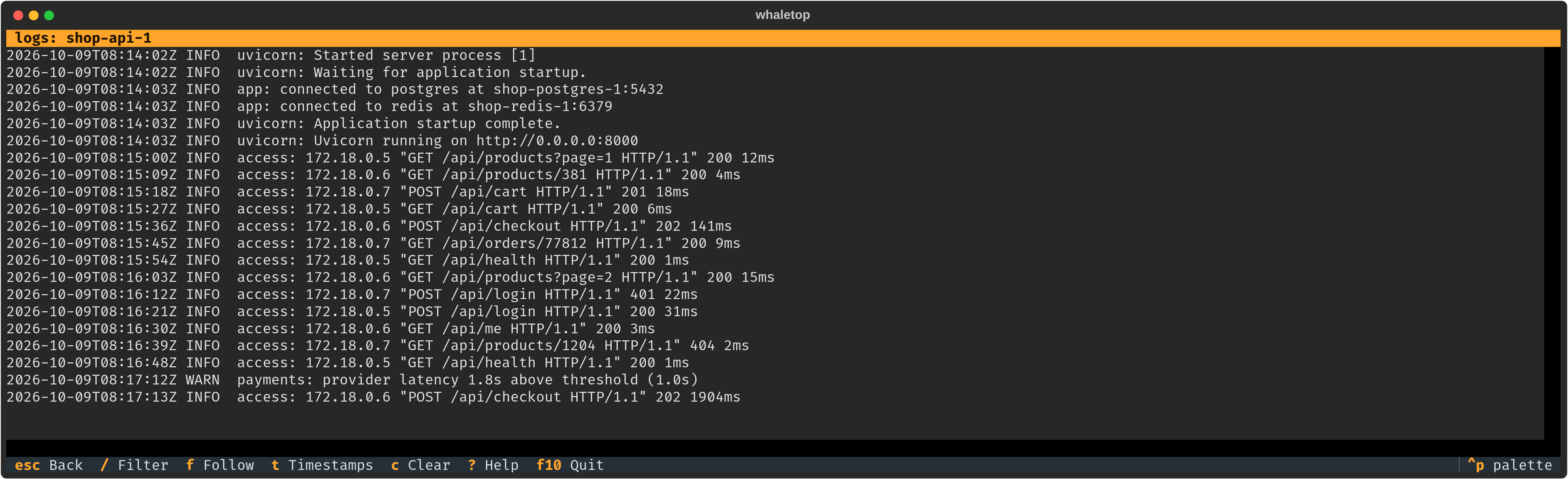
Logs with filtering and follow mode, interactive shell,
attach, inspect, pause, kill and remove. -
Previewed clean-up
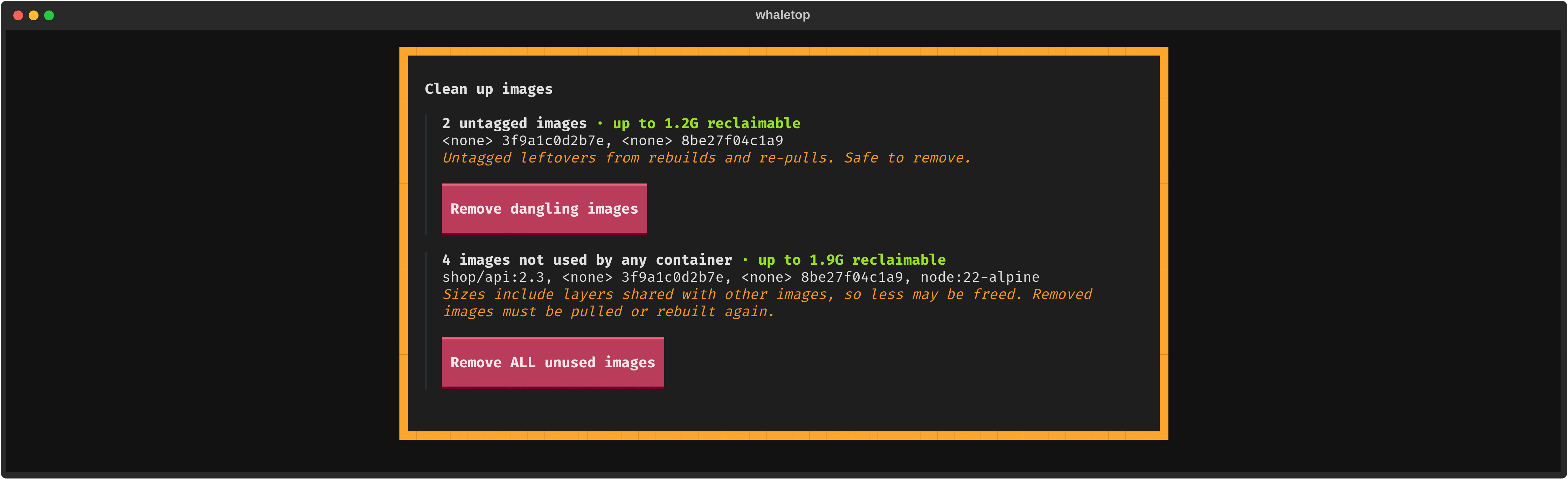
Each prune operation lists the affected objects and the reclaimable space before anything is removed.
-
Local and remote
Connects to the local socket, to remote daemons over SSH, and to TLS-protected TCP endpoints.
-
Event-driven
Views update from the Docker event stream. No manual refresh is required.
Quick start
curl -fsSL https://open-package.github.io/whaletop/whaletop.gpg \
  | sudo tee /usr/share/keyrings/whaletop.gpg >/dev/null
echo "deb [signed-by=/usr/share/keyrings/whaletop.gpg] https://open-package.github.io/whaletop stable main" \
  | sudo tee /etc/apt/sources.list.d/whaletop.list
sudo apt update && sudo apt install whaletop
Then start it:
Continue with the installation guide for requirements and remote hosts, or with the usage guide for the full key reference.
More views